
Why the digital sidewalk needs tactile paving
Software should carry structured accessibility information, such as labelled buttons, headings and form fields, because people using screen readers depend on it, and AI agents that operate software increasingly do too.
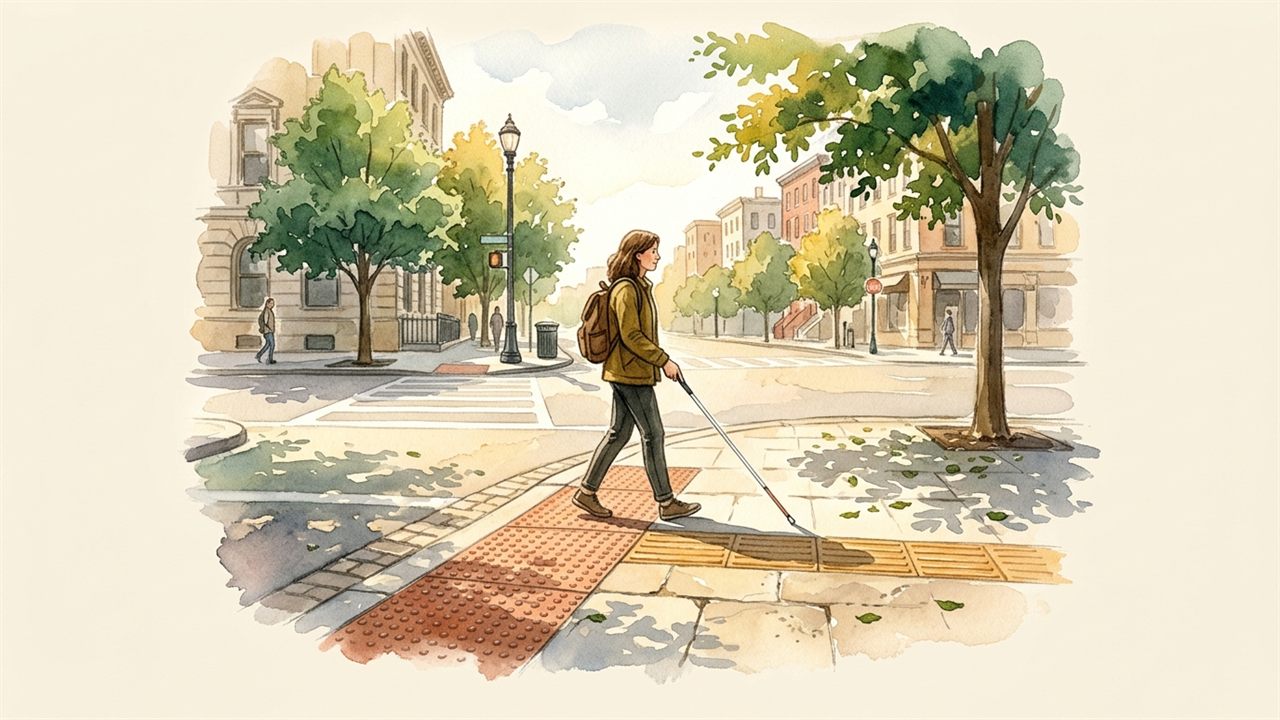
Tactile paving tells a blind pedestrian where the pavement ends. Accessibility markup does the same job in software: it tells assistive technology what each element is and does. More and more AI agents navigate websites and apps on people's behalf, and many of them rely on the same structure, or else guess from pixels on the screen.
Pixel guessing
When an engineer builds an interface only for the eyes, assistive tools struggle. A screen reader speaks page contents aloud for people with visual impairments. To do its job, it needs structured cues. It needs clear heading levels, descriptive labels on buttons, and unambiguous keyboard focus states.
When those markers are missing, software turns into a featureless blank wall. An unlabelled icon becomes "button." A critical form error produces complete silence. An interactive pop-up window traps the keyboard, leaving the visitor stranded with no way back to the main page.
Recent empirical research has laid bare just how severe this barrier has become.1 When researchers tested screen reader users across everyday computer tasks, users encountered constant dead ends. The tools failed not because the participants lacked skill, but because modern applications hide their underlying structural meaning behind visual tricks.
Now, automated AI assistants are running into that exact same wall. Many teams assume that computer-using agents can simply "look at the screen" and guess what to click based on raw pixels. But visual guessing is brittle. When buttons shift position, or when contrast is low, assistants hallucinate actions or click the wrong controls.
The shared digital sidewalk
Accessibility is often treated as an optional checklist item, added at the end if time allows. That view misunderstands who public infrastructure is for.
Tactile paving on a street corner does not just benefit someone with a white cane. It helps a parent pushing a stroller spot the curb edge. It alerts a distracted walker looking down at their phone. It helps delivery workers wheeling heavy carts.
In software and on the web, standardized accessibility structures offer the same shared benefit.2 When an application exposes a clean semantic hierarchy, everyone wins. Screen readers speak clearly. Assistive switches navigate with single keystrokes. And local AI assistants can help users complete tedious tasks without guessing wrong or corrupting entries.
By connecting software through open protocols that share structural meaning rather than just visual pixels, we build tools that work together.3 A person can use their own trusted assistive agent to navigate any service, confident that the controls mean what they say.
Building for everyone
A sidewalk is not truly public if half the neighbourhood cannot safely cross it. The same principle holds for the software that runs our civic life, our healthcare, and our schools.
We do not need more visual clutter or heavier tracking. We need durable, well-tended digital paving stones that tell both humans and assistants where they stand, what they can do, and how to get home safely.
- Nan Chen et al., "From Struggle to Success: Context-Aware Guidance for Screen Reader Users in Computer Use," arXiv preprint arXiv:2601.18092 (2026), https://arxiv.org/abs/2601.18092.
- Blessing Jerry, Lourdes Moreno, Virginia Francisco, and Raquel Hervás, "LLM-Driven Accessible Interface: A Model-Based Approach," arXiv preprint arXiv:2601.06616 (January 2026), https://arxiv.org/abs/2601.06616.
- Vishnu Ramineni, Nitin Saksena, Akash Kumar Agarwal, Darshan Mohan Bidkar, Balakrishna Pothineni, Durgaraman Maruthavanan, Lokesh Butra, and Siva Kumar Chintham, "MCP-Driven Accessibility Tree Standardization for AI-Powered Screen Reader Agents," arXiv preprint arXiv:2608.24898 (August 2026), https://arxiv.org/abs/2608.24898; see also W3C, "Web Content Accessibility Guidelines (WCAG) 2.2" (2023), https://www.w3.org/TR/WCAG22/.